 HyperControl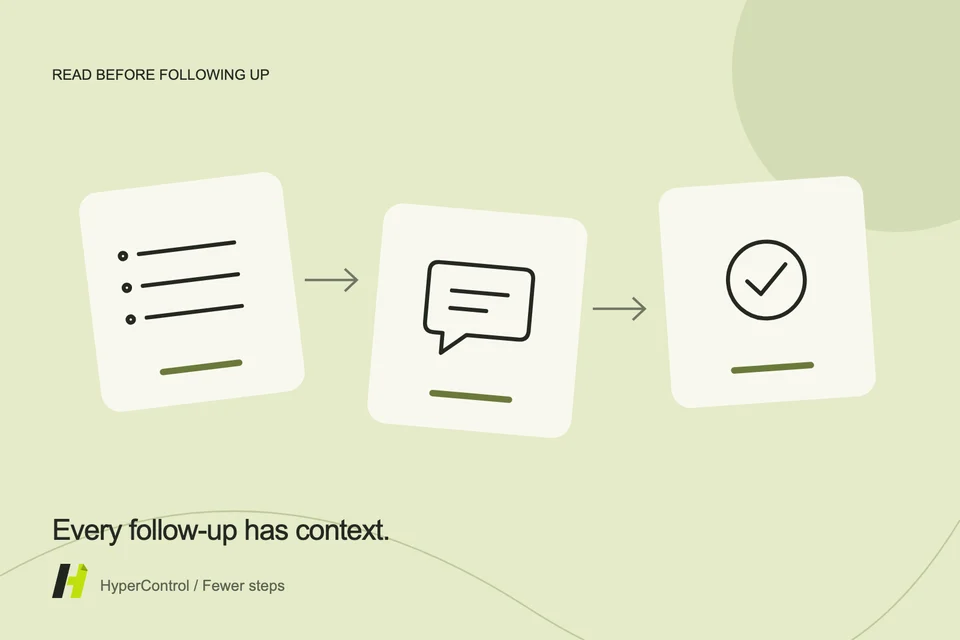
Following up involves more than writing “Have you had time to look?” You need to find the conversation, remember the context, check whether the person has replied and adapt the message. Pasting the same text everywhere is fast, but often introduces errors.
HyperControl can help prepare follow-ups within a scope you define. This concerns existing customers and ongoing conversations, not collecting numbers or multiplying unsolicited messages.
Build a follow-up list, not just a contact list
A useful list includes the customer, case, last exchange date, next deadline and reason for following up. “Nadia — installation proposal — reply expected Friday” gives a clear intention. A name and number alone do not say what to ask.
Import the list as a resource and specify exclusions. Someone who declined, asked not to be contacted or already confirmed an order should not be treated as an unanswered lead. Freshness matters as much as structure: an old list does not establish the conversation's current state.
Read before writing
Ask the assistant to review recent exchanges when the app gives access to that context. It may discover the customer is waiting for a document from you. The right response is then to fulfil your own pending commitment, rather than send a reminder.
If a contact is ambiguous, pause to clarify. Two people with the same name, similar conversations or an old number justify confirmation. Avoid blanket instructions such as “send this to all my customers” without a verifiable list or stopping criteria.
Personalise useful details without pretending to be closer
A short draft can recall the topic, ask a precise question and offer a simple next step. For example: “Hello Nadia, I'm following up on Tuesday's installation proposal. Do you need any details about installation before deciding?” Personal details unrelated to the case do not need to appear.
For another customer, the right action may be to send an already requested technical document. The assistant can locate an original attached to a resource and prepare sharing when the channel permits it. Check the file, version and recipient: a filename alone does not establish its contents.
Process a small batch and keep a record
Start with a few cases. Ask for a clear distinction between drafts, sent messages and excluded cases. If a step fails, the agent should flag that case instead of treating the entire batch as complete. Action history helps you inspect what actually happened.
Recurring scheduling needs an explicit frequency and stopping point. “One follow-up for cases on this list on Friday morning” differs from “keep following up until they reply.” Check the saved rule in Routines and remember that interface control depends on the phone being available.
What to measure
The first indicator is relevance: how many messages were still needed after reading the conversation? Next come avoidable duplicates, draft corrections and preparation time. The number of messages sent alone does not measure quality.
Good follow-up automation reduces repetitive steps and improves continuity. It does not turn silence into permission to insist. Keeping criteria, sources and approvals explicit lets you delegate repeated work while retaining the customer relationship.