 HyperControl
The customer does not send a product reference. They send a photo, sometimes cropped, with “Do you have this in black?” To answer, you need to find the right listing, distinguish two variants, check the price and return to the conversation. Repeated throughout the day, this small round trip becomes a substantial part of your work.
HyperControl can help connect what the customer shows to what you have documented. The aim is not to let an image decide what is in stock: it is to reduce searching and switching between apps while keeping an identifiable source for each detail you send.
The real challenge: recognition is not enough
Take a lighting shop. Its catalogue contains two almost identical lamps: a rechargeable version and a mains-powered version. The customer's photo does not show the cable. An answer based only on appearance could promise the wrong product, even if the AI describes the image perfectly.
A good workflow separates three decisions: which product resembles the photo, which variant the customer actually wants, and what your catalogue says about that variant. When an answer is missing, the next useful action is a question, not an assumption.
Build a catalogue you can answer from
In Resources, create a listing for each product reference or genuinely distinct variant. Add clear photos, the product name, internal reference, price and currency, and relevant conditions. Include an update date for availability: “stock checked on 19 October” is more useful than an “available” label left unchanged for weeks.
Also add a short business rule: do not announce undocumented stock, confuse an option with an included accessory, or offer a discount without approval. These instructions avoid repeating the same correction in every conversation. They do not automatically synchronise your inventory with your point-of-sale system.
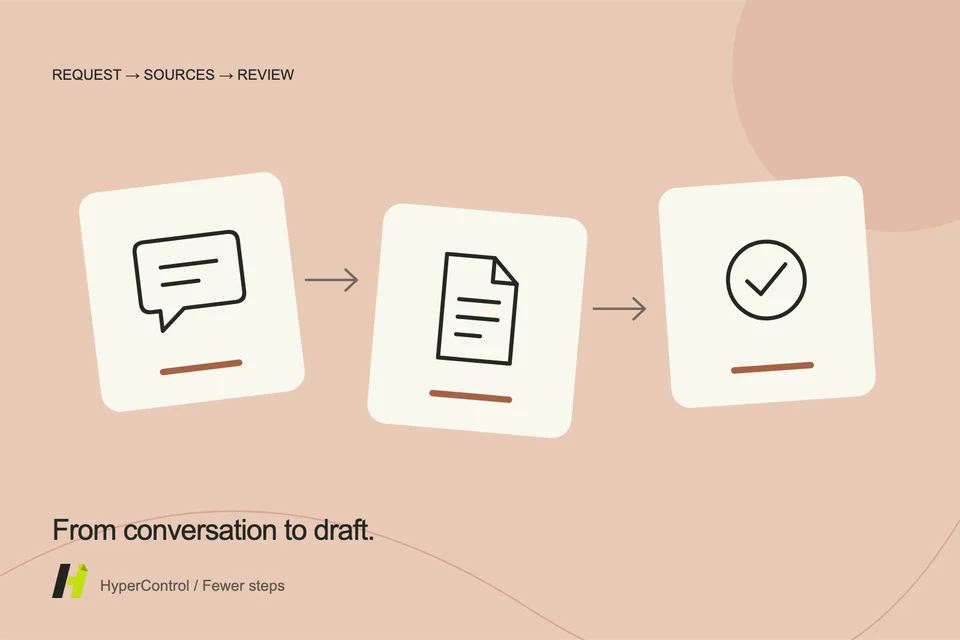
From photo to draft: a process you can check
- Read the full request. The requested colour or quantity may be in the previous message. Identify the conversation and the scope to read.
- Make the image accessible. The assistant can analyse a screenshot when the window permits it, or process media shared to its workspace. An app may block screenshots or provide no sharing option.
- Consult the resources. The catalogue helps locate relevant listings, photos and details. A visual resemblance is a lead to confirm.
- Prepare the reply. Ask for a short message that answers the customer's question first. Any uncertainty should remain visible.
What does a useful reply look like?
In this illustrative example, a good reply might be: “This looks like our Atlas lamp. Are you looking for the rechargeable or mains-powered version? I can then confirm availability in black.” It moves the sale forward without presenting an assumption as a fact.
If the variant matches a recently updated listing, the draft can include the documented price and conditions. HyperControl can then use the messaging app according to your instructions and control mode. Preparing text is not the same as sending it: check the completed action in the conversation and the report.
Test before delegating more
Start with three requests: an easy-to-identify product, two similar variants and a product missing from the catalogue. For each test, check the selected reference, the price source, how missing information is handled and the recipient. These criteria say more about quality than a quick answer alone.
You can then save a routine for similar requests. Keep draft approval enabled while observing its behaviour. The intended benefit is concrete: spend less attention finding the right listing and more deciding what to tell the customer.