 HyperControl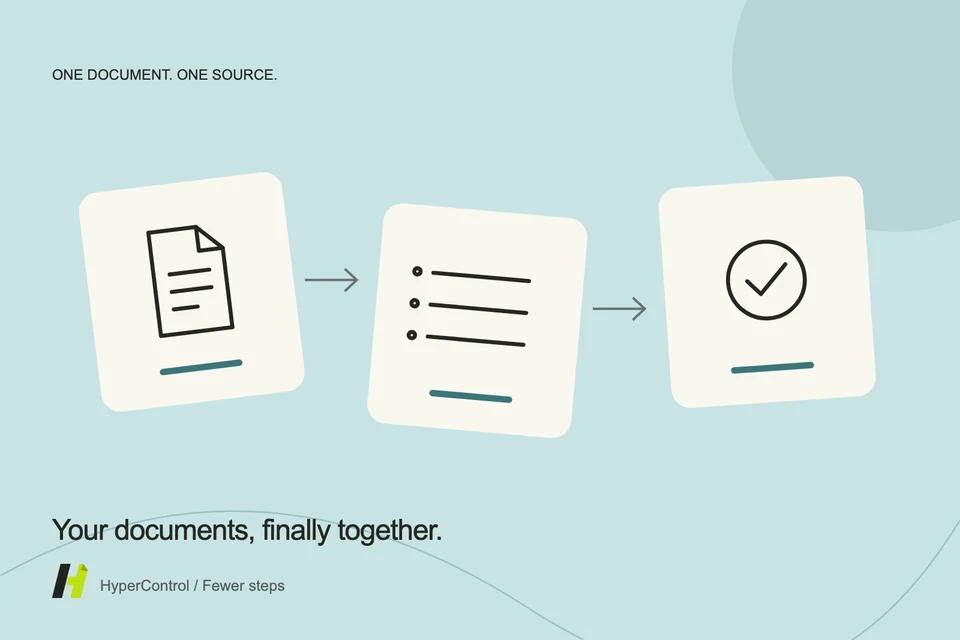
A photographed receipt, an invoice in Downloads and a receipt by email: the challenge is rarely the number of documents, but how scattered they are. Preparing a report means opening each one, finding its date and checking whether it was already included.
HyperControl can help inventory the files you make accessible and prepare a structured reading. This is document preparation, not accounting or tax approval.
Define which documents to process
Start with a simple scope: a trip, project or week. Share documents to the assistant's workspace, or import those that should remain in Resources. Android apps protect their private files: the assistant cannot freely browse all folders without sharing or authorised selection.
Keep originals and use recognisable names. A file named “receipt.pdf” could belong to any expense. The agent must inspect its accessible contents before assigning a date or amount; a filename is not evidence.
Extract information without guessing unreadable details
A readable image or PDF page may reveal the supplier, date, amount and currency. A creased receipt or dark photo can leave fields uncertain. Ask for these to be marked “check required” and retain the source filename on each row.
If a receipt shows several amounts, distinguish the total, taxes and other lines. Initially, it is better to preserve visible values with their labels than arbitrarily choose the most likely one. You can then specify which amount your process requires.
Create a table that makes checking easier
A simple structure is enough: date, supplier, amount, currency, source file and note. The note can say “unreadable date”, “possible duplicate” or “total to confirm”. This prevents a polished table from implying every row is certain.
Ask for a table in the conversation, then have it prepared for entry in an accessible notes or spreadsheet app. Do not confuse proposed text with a created file or saved table. Filling another tool depends on its interface and permissions.
Identify duplicates without deleting evidence
A photo and PDF may represent the same expense. Conversely, two receipts with the same amount and supplier may be different purchases. Ask for possible duplicates with the reasons for matching them, rather than automatic deletion.
For a trip, check dates, supplier and document details before keeping just one row. Documents may be needed for later checks; deleting them is not part of simply preparing a report.
Keep currencies separate
If receipts use several currencies, request a subtotal for each. Adding them directly would be misleading. Conversion requires an appropriate rate, date and method; the assistant should not improvise these.
Also verify calculations even when extraction looks correct. A misread decimal or differently interpreted separator can distort a total. Original images remain your reference for comparison.
Finish with a short list of exceptions
The most useful result combines the table with documents needing attention: a clearer photo, a date to confirm, a missing document or a duplicate to resolve. You can then focus on exceptions rather than opening every file.
This reduces sorting and transcription work. It does not determine whether an expense is eligible, refundable or tax-deductible. Those decisions remain subject to your professional requirements and should be checked with the appropriate person.